WhatsApp Groups Eligibility
Find out who is eligible to use the WhatsApp Groups API and how to get access — including step-by-step OBA (Official Business Account) application.
What Are WhatsApp Groups?
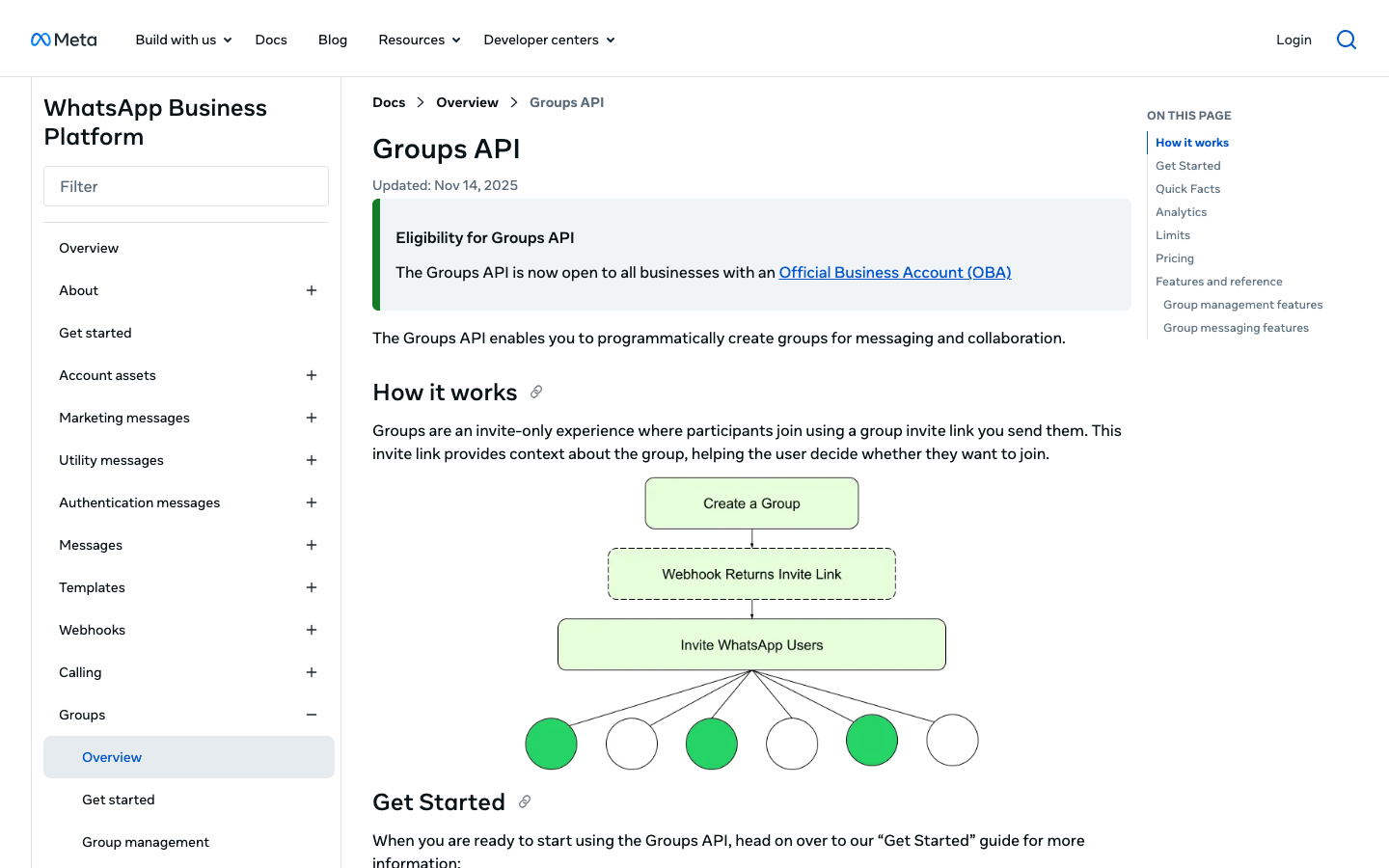
The WhatsApp Groups API lets businesses programmatically create and manage WhatsApp groups — no manual app interaction needed. You can create up to 10,000 groups per business phone number, with up to 8 participants each. Groups support text, media, and approved message templates only.
Required: Official Business Account (OBA)
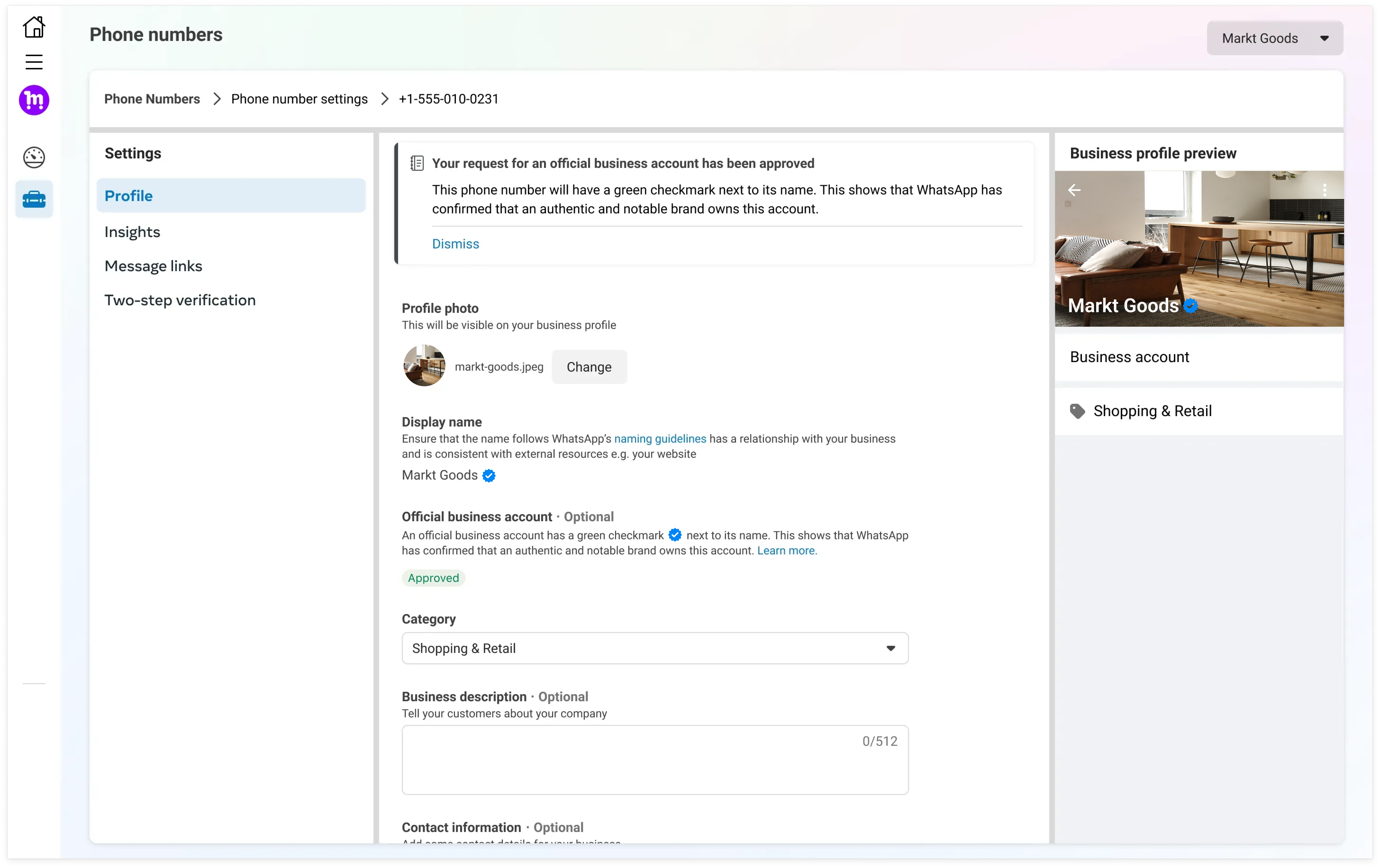
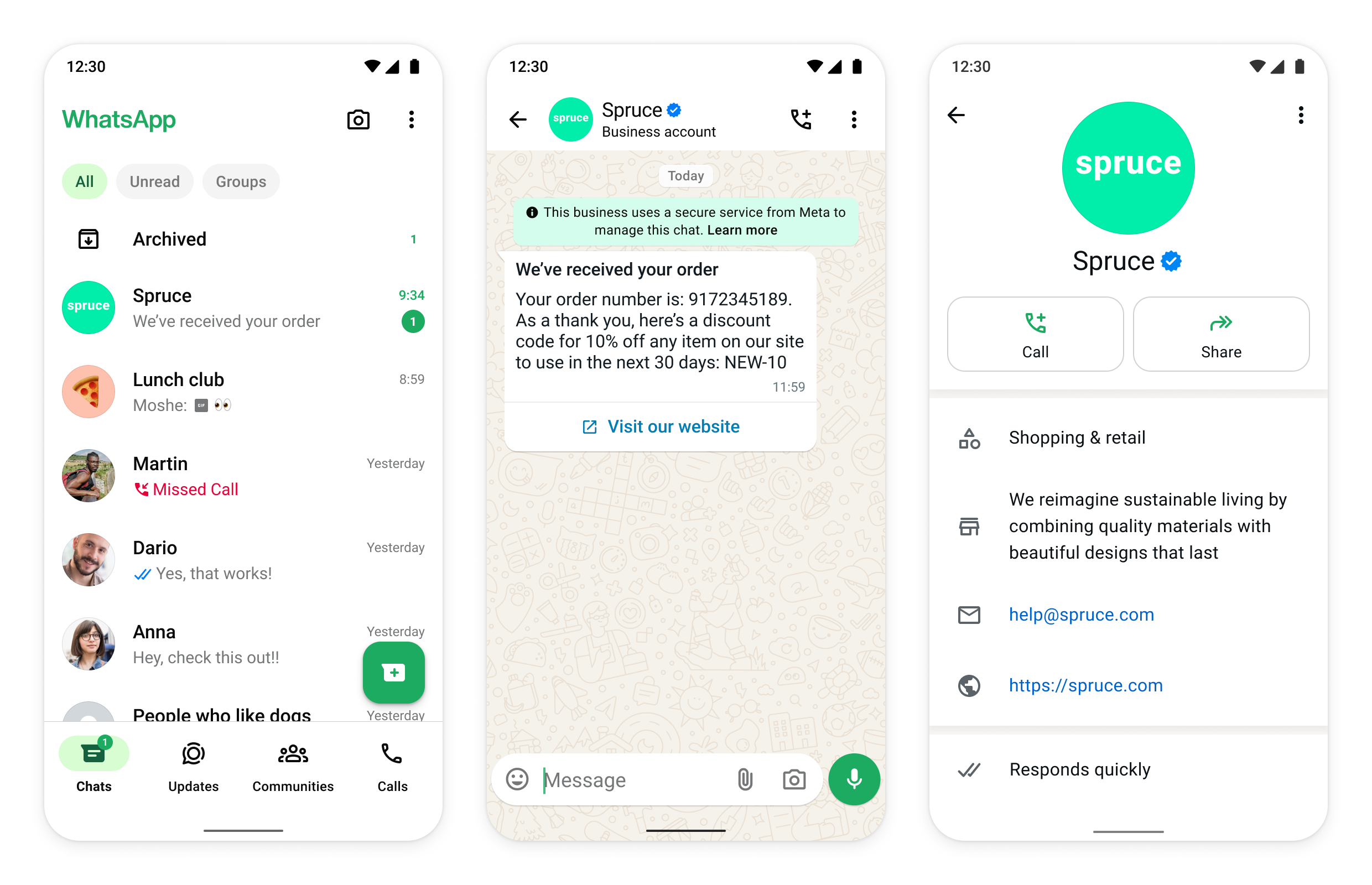
To access the Groups API, your business phone number must be an Official Business Account (OBA) — a number verified by Meta as an authentic and notable brand, displayed with a blue checkmark. Meta does not grant OBA to business employees, test accounts, or WhatsApp Business App phone numbers.
Check All Eligibility Criteria
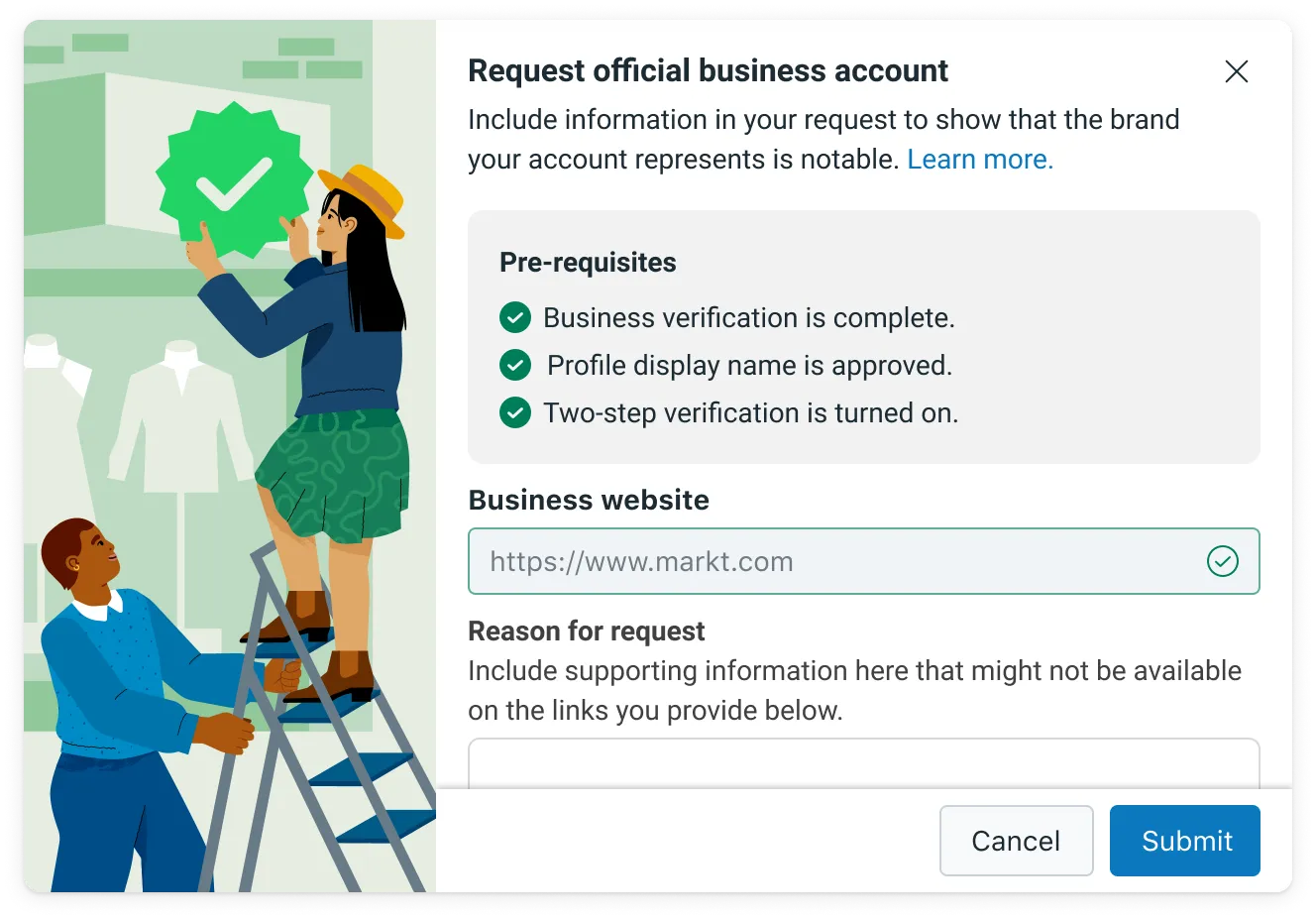
To be eligible for OBA, all of the following criteria must be met: (1) comply with WhatsApp Business Messaging Policy, (2) registered on the platform for at least 30 days, (3) represents a notable, well-known, and frequently searched brand, (4) business portfolio verified via Business Verification, (5) two-step verification enabled on the number, (6) the phone number's display name has been approved.
Complete Meta Business Verification
Go to Meta Business Manager and complete business verification. You will need to provide official company registration documents. Business verification is a mandatory prerequisite before you can apply for OBA.
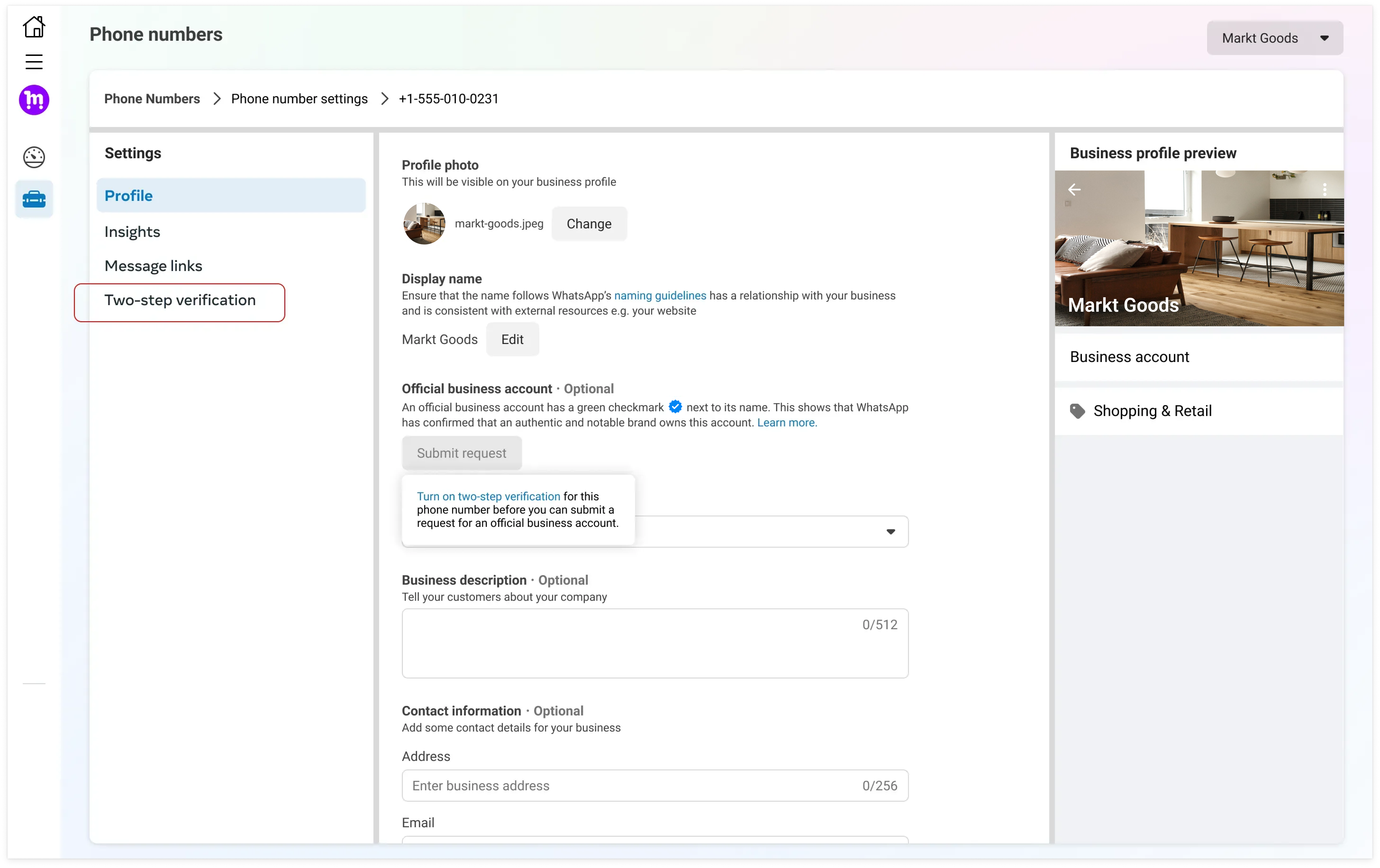
Submit OBA Request via WhatsApp Manager
Go to WhatsApp Manager → Overview, click on your business phone number, ensure two-step verification is enabled, then click 'Submit Request'. In the form, you can attach up to 5 supporting links from renowned publications (e.g., Reuters, Wikipedia, Wall Street Journal) to demonstrate notability. Fill in details such as countries of operation, parent brand, and primary language.
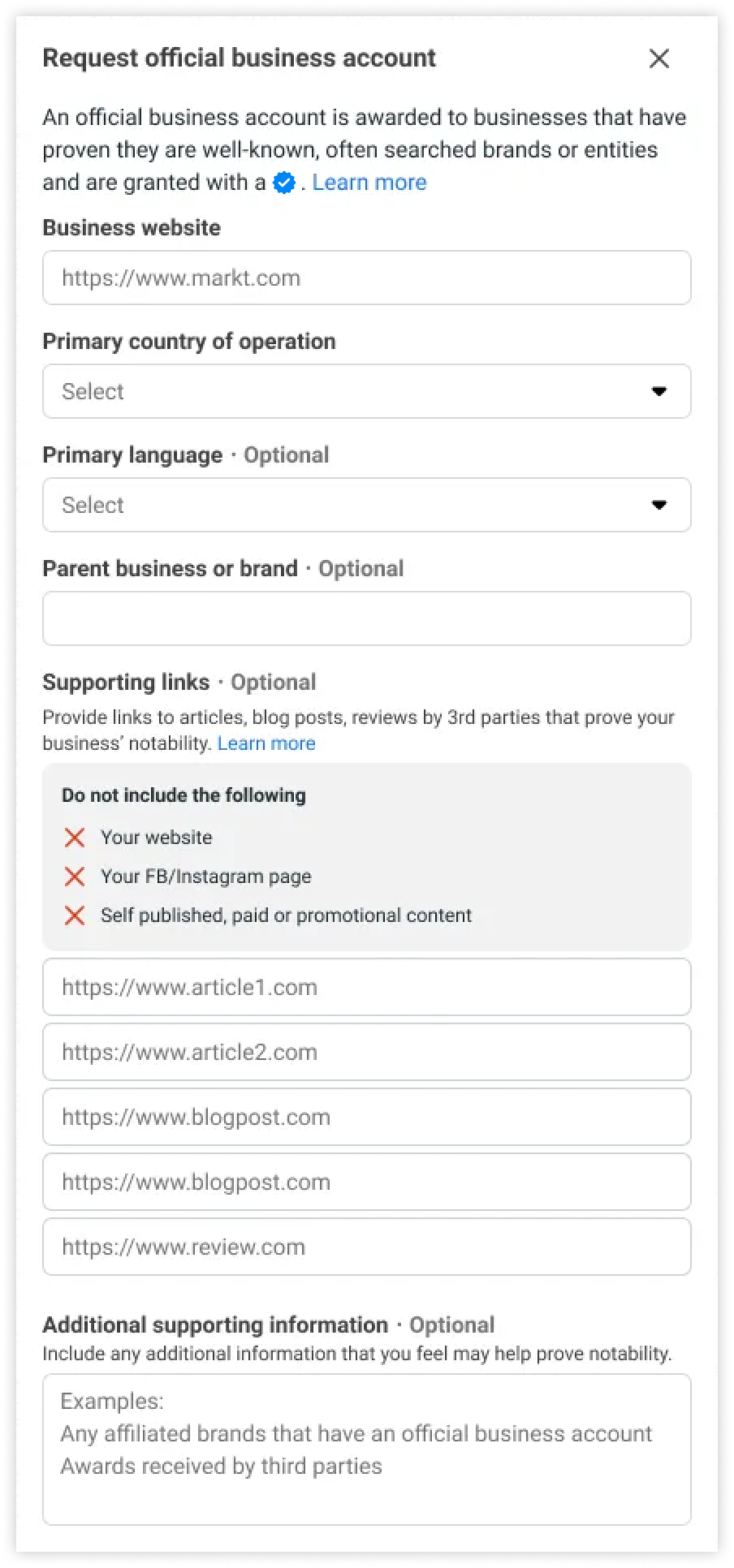
Await Decision & Start Using Groups API
Meta will review your request and send a notification with the decision. If denied, you can resubmit after 30 days — denials cannot be appealed. Once approved, your number displays a blue checkmark and you can access the WhatsApp Groups API.